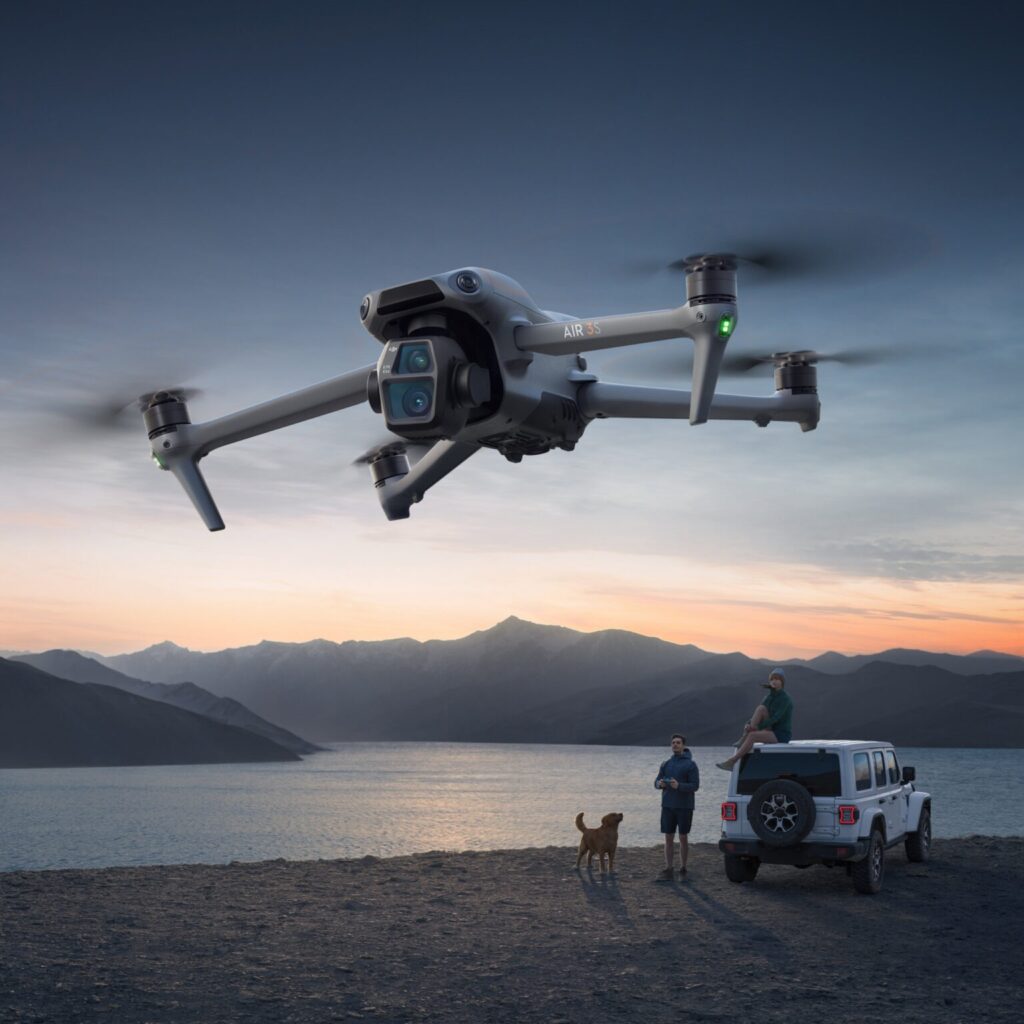
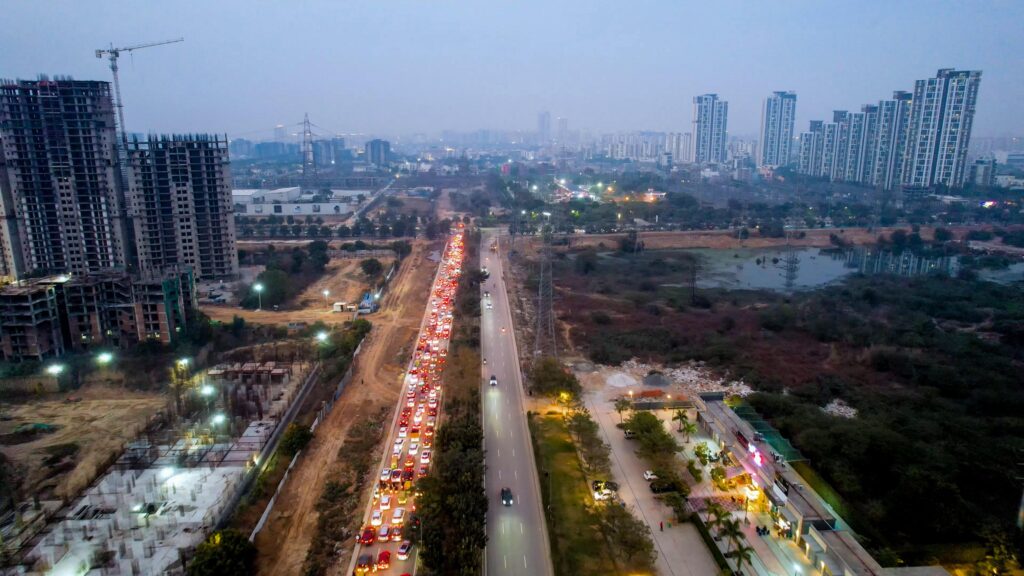
5 DJI Drone Mistakes That Can Cost You Thousands
DJI makes some genuinely impressive machines. Obstacle sensing, intelligent flight modes, automatic return-to-home, rock-solid stabilization: on paper, flying one looks almost foolproof.
It isn’t.
All that technology can’t override a bad decision made by the person holding the controller. A missed setting, a rushed pre-flight check, or a battery nobody bothered to inspect can turn a drone worth lakhs of rupees into a pile of very expensive parts. If you’re flying commercially (surveys, inspections, real estate, agriculture, film work) the stakes go up even more, because a crash doesn’t just cost you a drone. It costs you a client.
Here are five mistakes that show up again and again, and what to do instead.
1. Assuming the Sensors Have Your Back
Obstacle sensing is genuinely good these days. It’s also not the same thing as having eyes.
Thin wires, glass, branches without much contrast against the sky, fast crosswinds at altitude. These are exactly the conditions where sensors quietly fail, and pilots who’ve stopped scanning their surroundings don’t notice until it’s too late. A drone pushed into a wall or a tree doesn’t just lose a propeller; you’re often looking at gimbal damage, cracked arms, or a fried camera module.
The fix costs nothing: take thirty seconds before takeoff to actually look around. Check the wind. Spot the wires and the trees. Treat obstacle avoidance as a backup, not a plan.
2. Launching Without Really Checking the Battery
A charge percentage on the screen tells you almost nothing about the battery underneath it.
Lithium batteries degrade through age, heat, bad storage, and one too many deep discharges, and a cell that’s past its prime can drain far faster mid-flight than the readout suggests. That’s a brutal thing to discover when you’re 800 meters out and the percentage starts falling faster than the distance home is shrinking.
Before you fly, actually check the battery’s health status in the app, not just its charge. Look for swelling or damage. If you fly professionally, rotate through a few batteries so you’re never relying on one that’s seen too many cycles.
3. Skipping Real Testing After an Update
Firmware updates aren’t the enemy. Flying an untested setup on a paid job is.
The mistake isn’t updating your drone. It’s updating the aircraft, the controller, or the app right before a shoot and never actually running the thing to see if everything talks to each other properly. Show up at a job site to find a firmware mismatch, a controller asking to recalibrate, or a setting that’s quietly changed, and you’ve just burned client time you’re not getting back.
Give yourself a short test flight after any real update, ideally somewhere low-stakes, well before the job that actually matters.
4. Trusting Return-to-Home a Little Too Much
RTH is a genuinely great safety net. It is not a guarantee.
It leans on GPS accuracy, a correctly recorded home point, and, critically, an altitude setting that’s actually high enough to clear whatever’s around you. Fly near a building or a cluster of trees with your RTH altitude set too low, lose signal, and the drone can trigger its return path straight into something solid.
Before every flight, know your home point and ask yourself one honest question: if I lost the signal right now, would this altitude actually get my drone home safely? If you’re not sure, fix it before takeoff, not after.
5. Treating a Commercial Drone Like a Toy
This is the one that quietly costs the most over time.
A hairline crack in a propeller. A slightly loose connector. A bit of dust building up near a motor. None of it looks urgent, until vibration and high RPMs turn a small flaw into a mid-air failure. Professional drones live under real mechanical stress, and they need to be checked like it.
Build a habit of inspecting propellers, motors, the gimbal, landing gear, and cables after every flight, not just when something feels off. Preventive maintenance is always cheaper than replacing an aircraft.
Bonus: Buying a Drone That Doesn't Match the Job
The above video is the Ultimate Guide for everybody who is new to this. Some of the most expensive mistakes happen before the drone ever leaves the box.
A lightweight travel drone won’t hold up for industrial inspection work, and an enterprise-grade Matrice is overkill if you’re just shooting the occasional reel. Before you buy, get honest about what you actually need: flight time, payload, thermal or mapping capability, and the environments you’ll actually be flying in. The cheapest option and the right option are rarely the same drone.
The Bottom Line
Most of the expensive drone mistakes aren’t dramatic. They’re small: skipped checks, misplaced trust in automation, maintenance put off one flight too many. Fix the habits, and you fix most of the risk.
If you’re shopping for a drone for professional work, Dronevex can help you match the right DJI platform to what you actually need, rather than what looks impressive on a spec sheet.
Frequently Asked Questions
Do I really need to check the battery before every single flight, even short ones?
Yes. Battery failure doesn’t care how short the flight is. A degraded cell can drop off fast regardless of distance. It takes seconds to check charge and health in the app, and it’s the difference between a normal flight and an emergency landing.
Is obstacle avoidance reliable enough that I can fly near buildings or trees without worrying?
No. It helps a lot, but thin objects, glass, and low-light conditions can all trip it up. Use it as a safety net, not a reason to stop paying attention.
What's a safe Return-to-Home altitude?
It depends entirely on what’s around you; there’s no universal number. The rule of thumb is to set it comfortably above the tallest obstacle within your flight radius, and to double-check it whenever you move to a new location.
How often should I update my drone's firmware?
Update when DJI releases something meaningful, but never right before a paid job. Leave time to test the drone after any update so you’re not discovering problems on-site.
How do I know if my drone battery is degraded?
Check its health rating in the DJI app, watch for swelling or unusual heat, and pay attention if flight time starts dropping noticeably compared to when the battery was new. Any of those are signs it’s time to retire it.
What's the single most cost-effective habit for avoiding drone damage?
A quick post-flight inspection. Catching a cracked propeller or a loose connector before your next flight is far cheaper than dealing with a mid-air failure.